



Latest Products
GPS Drone with Dual 2K QHD Cameras for Beginners, Adults & Kids, Brushless Motor with WiFi FPV, Under 249g, 90° Adjustable Lens, Optical Flow, Auto Return, 5G Transmission,…
$110.00 Original price was: $110.00.$76.30Current price is: $76.30.DJI Mini 5 Pro Drone Fly More Combo Plus with RC 2 Controller (With Screen) Folding Drone with 4K Video, Under 249g, 52 Mins Flight Time, 3 Batteries Bundle with 128GB Memory…
$1,901.90 Original price was: $1,901.90.$1,813.90Current price is: $1,813.90.2650 ft Long Range Super Enduring Brushless Motor Drone with 84 Mins Super Long Flight Time, Drone with 4K HD Camera for Beginners, CHUBORY A77 WiFi FPV Quadcopter, Follow Me,…
$197.90 Original price was: $197.90.$86.90Current price is: $86.90.
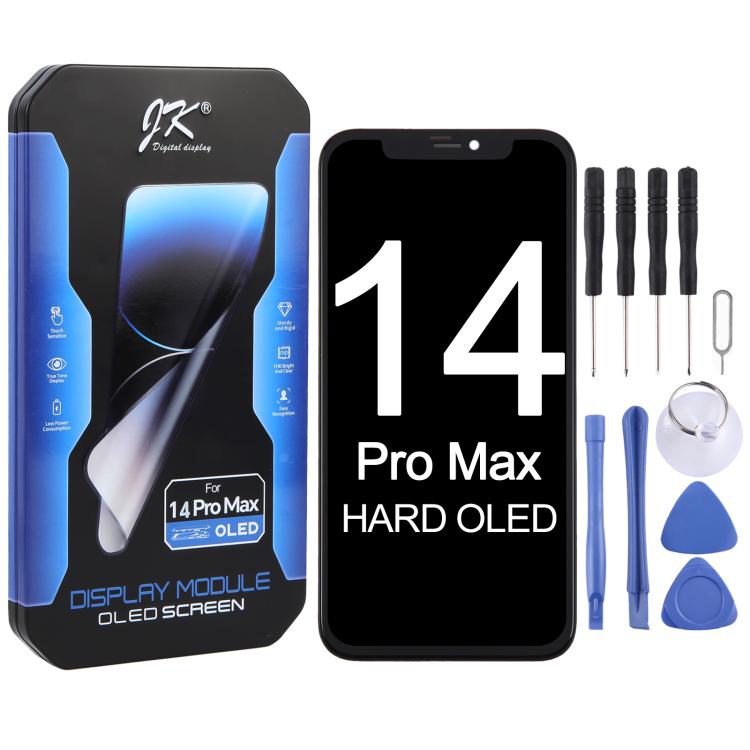
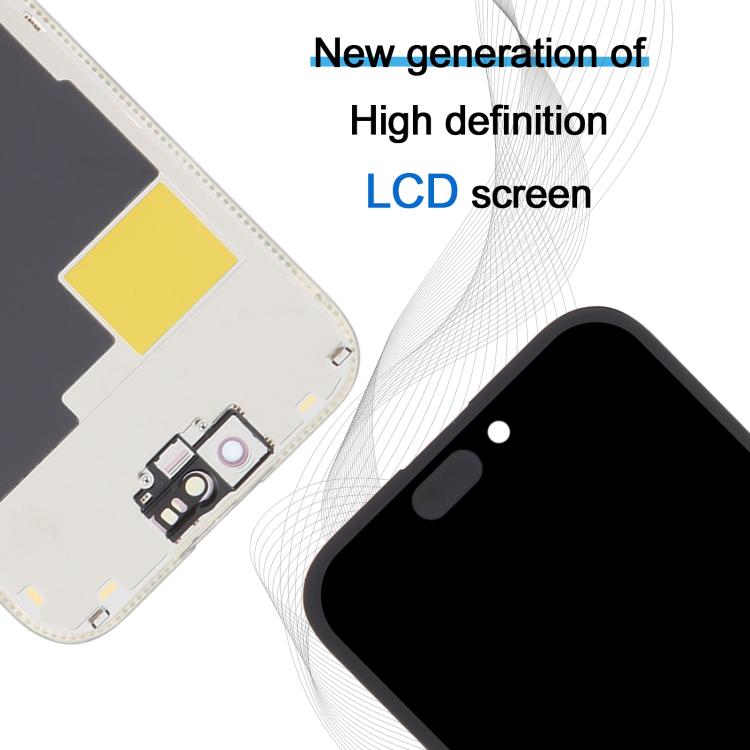
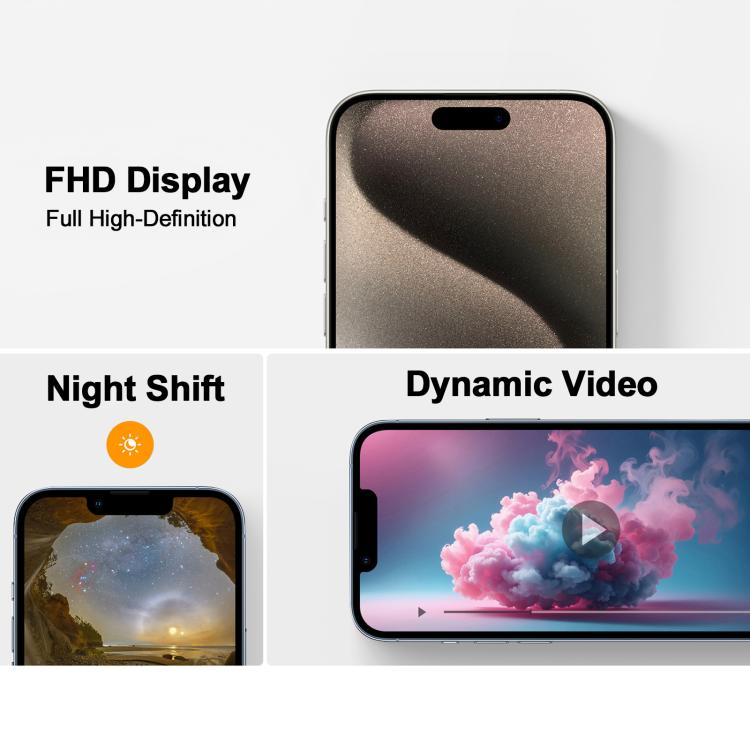
LCD Screen Features
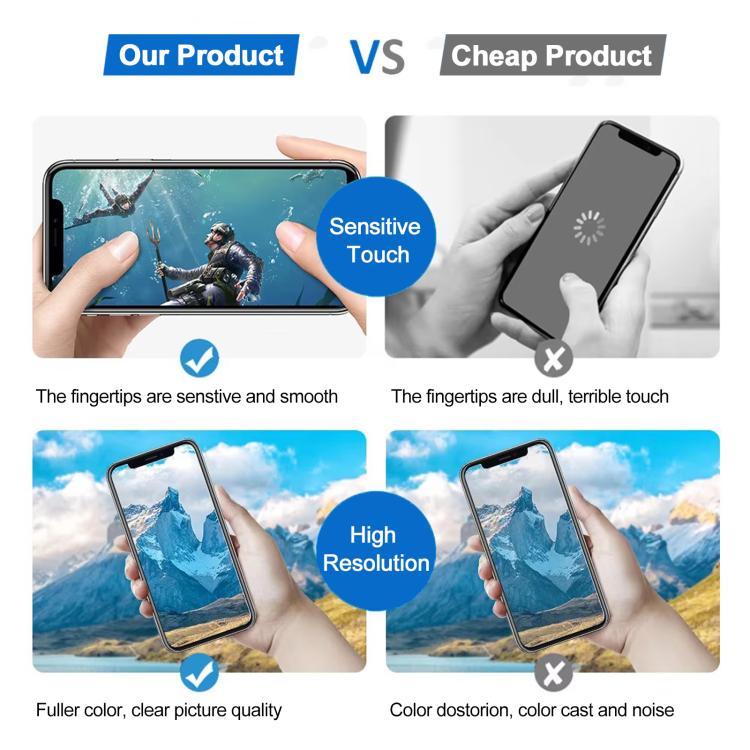
1. Touch control 120hz
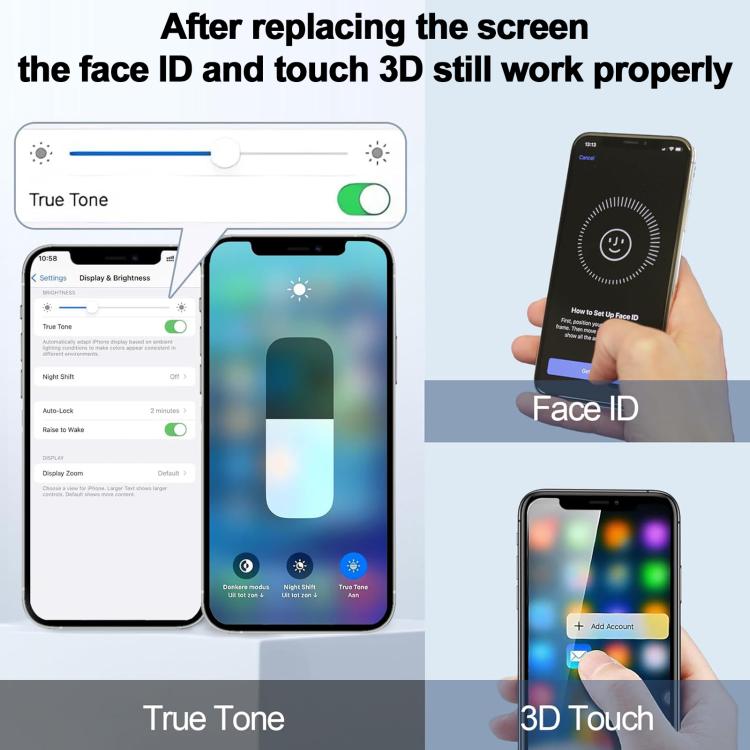
2. True Tone Display
3. Ultra-slim Ultra-light
4. Low power consumption
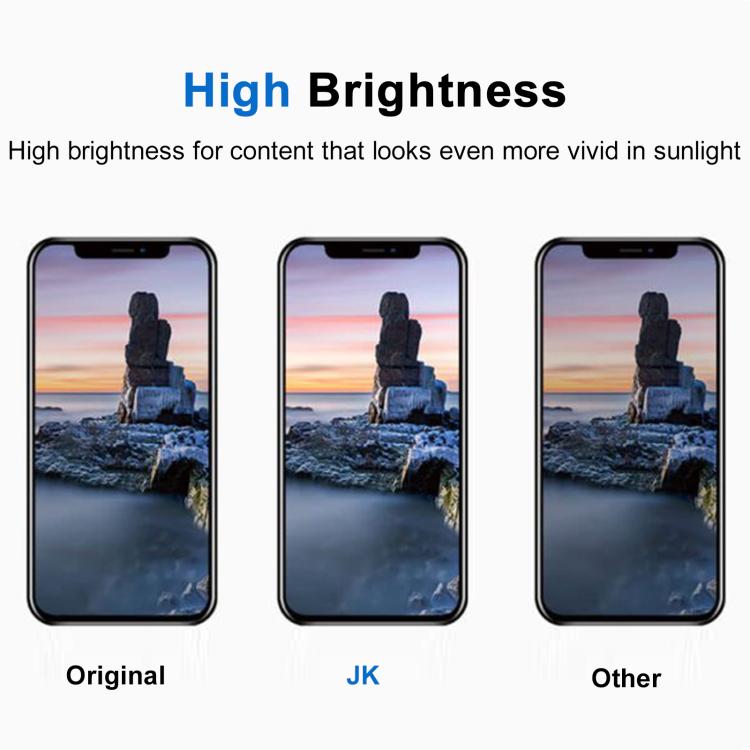
5. High brightness 700+-50cd
6. High contrast ratio 100000:1
About the product
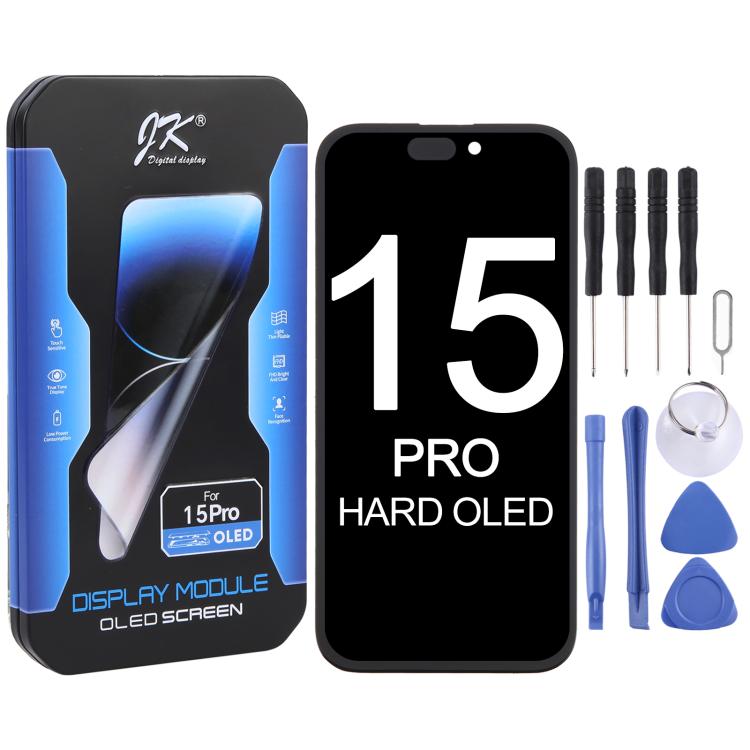
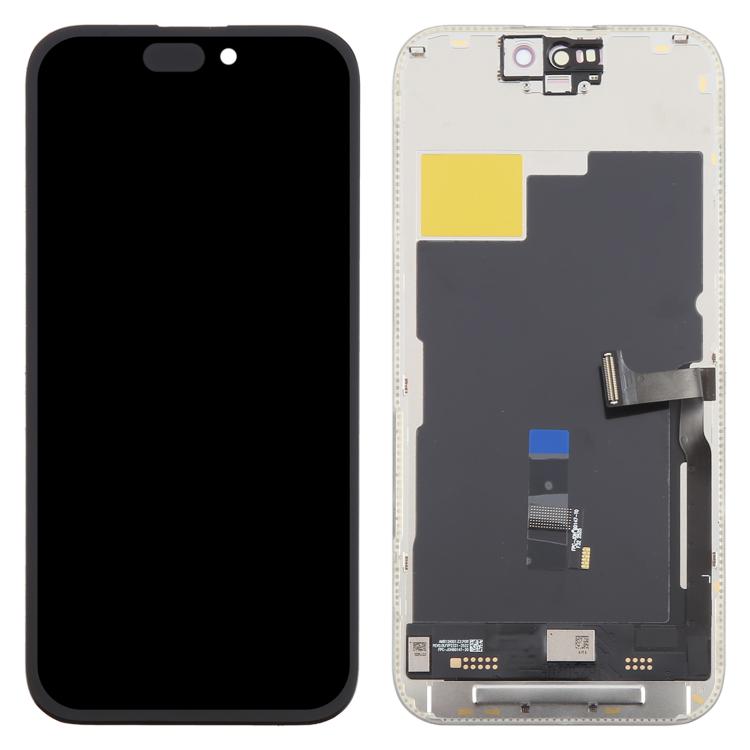
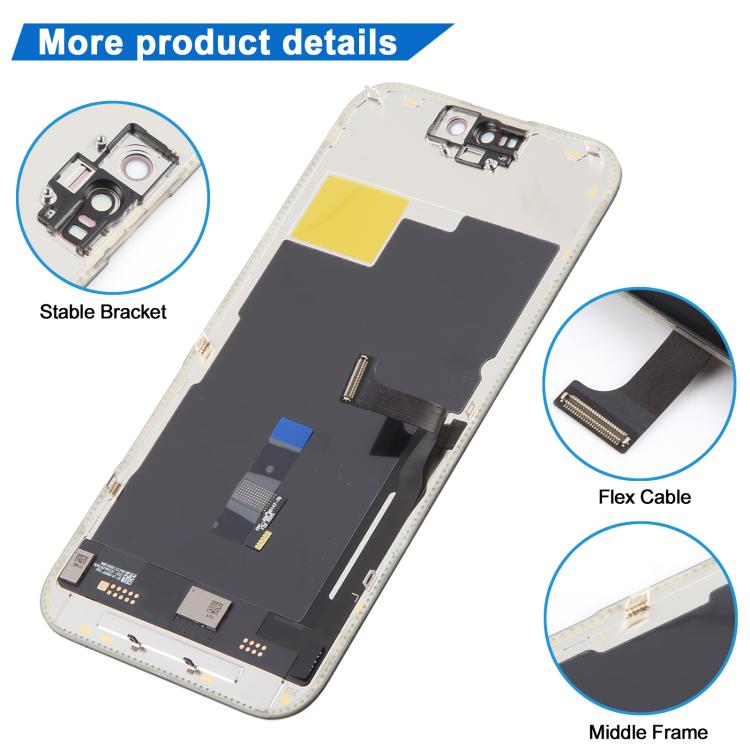
1. Replacement LCD display + touch screen digitizer assembly for iPhone 15 Pro.
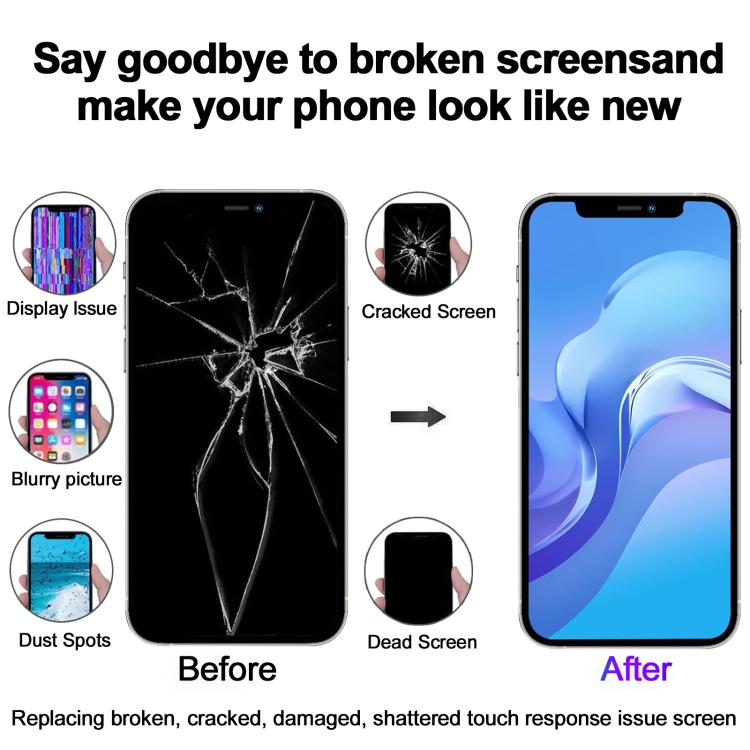
2. Replace the old, broken, cracked, damaged one.
3. Make your device look more refreshing than ever.
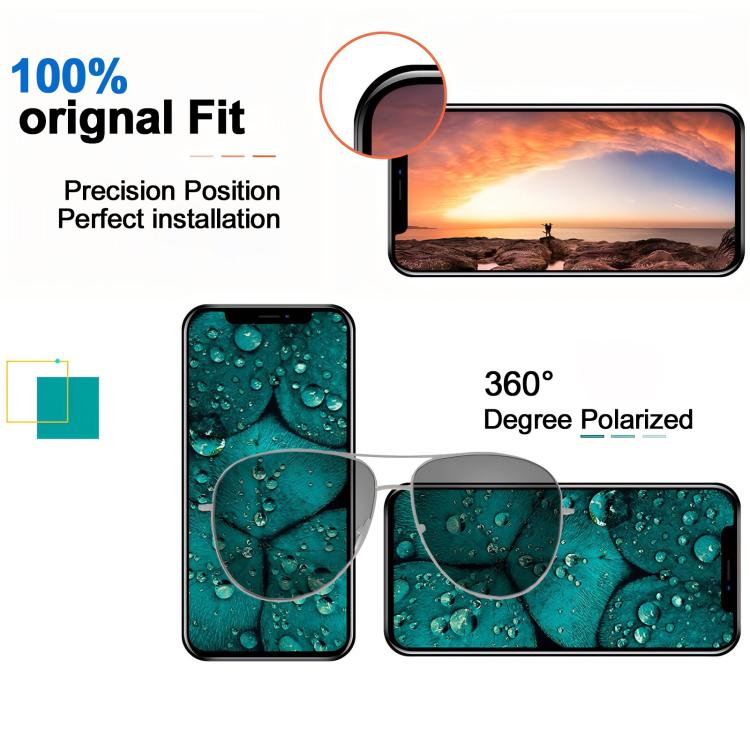
4. Completely fit and work.
5. Each item has been checked and in good condition before shipping.
6. Professional installation is highly recommended. We will not be responsible once the screen is installed.
Before Installation Notes
1. Tips 1: Test before installation
When testing, do not remove any protective film or tags. Please pay attention to the problem of static electricity.
Before attempting any repair, be sure to ground yourself is an ESD (electro static discharge) strap. This will prevent static electricity from damaging the electronic components within the phone.
Ensure you wear eye protection and use caution not to cut your finger with the glass splinters.
2. Tips 2: Simulates testing
Screen replacement is very fragile product. We strongly suggest test before installation. Please simulates testing, which means mobile phone apart, (motherboard + LCD or screen) connected audio cable and new replacement, power on, test finished. If test OK, please install it. If it can not show, please contact us at the very first time. And please do not force it to be installed in mobile phone. We will not be responsible once the screen is installed.
3. Tips 3: Do not over-bend cable
Please make sure LCD cable Do not over-bend. Over 90 degrees bent will cause black display.
weÂ